Install PROFINET Master Simulator
Before you begin
PROFINET Master Simulator license information
This download and installation require a single‑user trial license.
A 30-day trial license coupon code is included in the product package.
Ensure that you have access to a valid license document containing a download link and license data.
Download installation files
Procedure. Procedure
Go to the Master Simulator software download page.
Enter the Coupon code and follow the instructions.
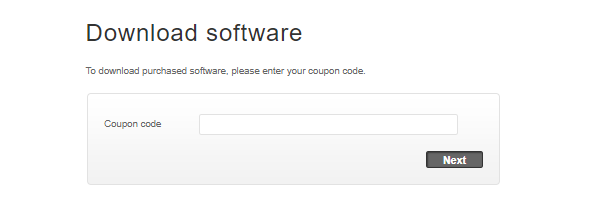 Figure 12. Software download for Master Simulator page
Download the installation zip file.
Install software
Procedure. Procedure
Extract the installation zip.
Run Install.exe.
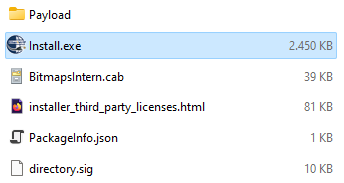 Figure 13. PROFINET Master Simulator installation files
Select the option and continue.
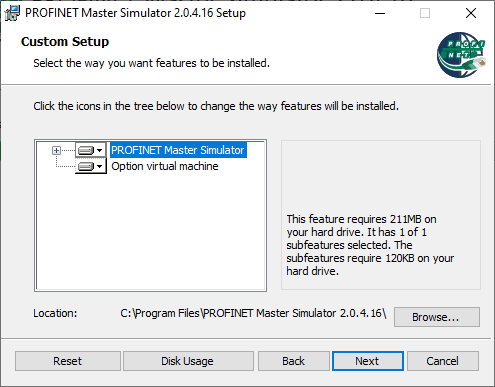 Figure 14. Custom Setup - Standard Installation
Follow the instructions to complete the installation.
Activate software license
Procedure. Procedure
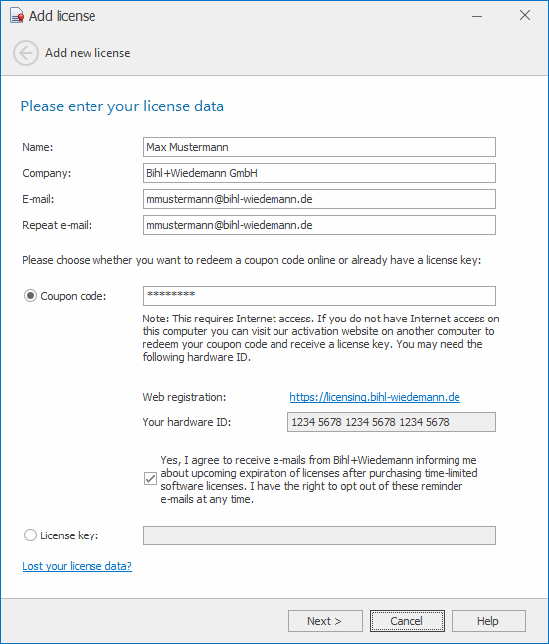 |
Figure 15. Add license window
Start the PROFINET Master Simulator.
On first startup, the Add license window opens and informs you that no valid license was found.
Click to add a new license,
Enter your license data and confirm.
To do next
Configure the PROFINET Master Simulator.